There's a specific kind of frustration that belongs to running an online store. It's not losing traffic - at least then you know what to fix. It's getting the traffic, watching someone drop a product in their cart, following them all the way to the checkout page, and then - nothing. The order never comes.
This happens at a rate most store owners would rather not think about. The Baymard Institute, which has tracked this for over a decade, puts the global average cart abandonment rate at around 70%. On mobile it's closer to 85%. If you run a WooCommerce store and 100 people initiate checkout today, roughly 70 of them won't finish.
Most advice points to abandoned cart emails. Send a reminder sequence, add urgency, offer a discount on the third follow-up. And yes - that works to a degree. But it's working harder for less, and a lot of store owners have started to notice. What's actually moving the needle right now is WhatsApp.
First, Why Do They Actually Leave?
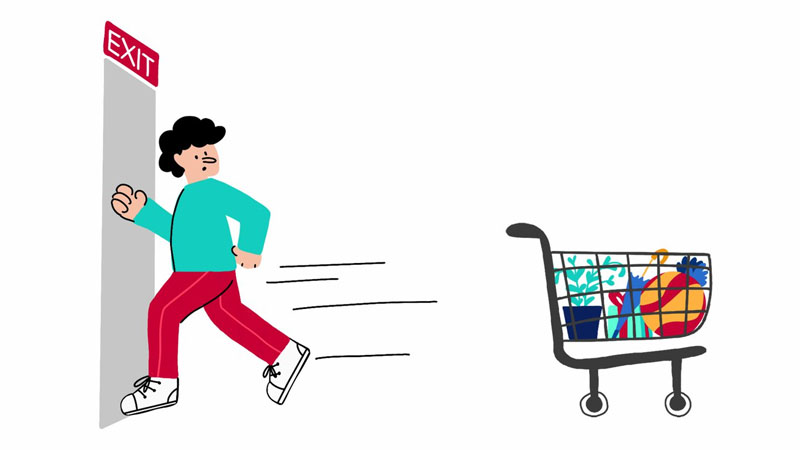
Baymard asked over 4,000 US shoppers this question directly. The breakdown is worth sitting with.
The number one reason - cited by nearly half of respondents - is extra costs showing up at the end: shipping, taxes, fees that weren't mentioned on the product page. The second biggest reason is mandatory account creation. Over a quarter of abandoners left because the store required registration before buying. Then there's the checkout form itself - WooCommerce's default asks for 18–20 fields. Over 20% of shoppers abandon specifically because the process felt too long.
The thing that ties most of these together: they're not expressions of disinterest. They're friction. Something got in the way of a person who actually wanted to buy. That's very different from someone who never wanted the product at all - and it matters enormously for how you approach recovery.
The Trouble with Email as a Recovery Channel
The abandoned cart email became the standard response for good reasons. It's cheap, automated, and when it works, it works well. A well-timed sequence from a recognizable sender can pull back 5–8% of abandoners.
But that same email is fighting for space in an inbox that has gotten dramatically more crowded. HubSpot found that the average person has over 50 unread messages at any given moment. Promotional emails from ecommerce stores land in a folder many users check once a day - or effectively never.
There's also a timing problem that doesn't get discussed enough. Most automated cart email sequences use 1-hour, 24-hour, and 72-hour delays. But purchase intent has a shelf life measured in minutes, not days. By the time a 24-hour email arrives, the emotional window when they were thinking about that specific product has closed. The open rate for cart abandonment emails sits around 39%. Click-through rates are 21–23%. Actual recoveries land in the 3–8% range.
What WhatsApp Changes About That Equation

WhatsApp has over 3 billion active users. In Brazil, it's the national communication infrastructure. Same story in India, across Latin America, the Gulf states, much of Southeast Asia. In those markets, WhatsApp isn't one messaging app among others - it's the messaging app, the one people check instinctively, all day.
The open rate for WhatsApp messages is 98%. Most get read within five minutes of delivery. For cart recovery, that combination of speed and attention changes everything. A shopper who abandons your checkout at 2:14 PM and gets a WhatsApp message at 2:22 PM is still in the headspace of someone who was just shopping. You're not trying to reignite a decision they made eight days ago - you're catching them before the moment has passed.
There's also a texture to WhatsApp messages that email doesn't have. A notification doesn't land in a promotions folder. It sits in the same app where the person talks to family and makes plans. Stores that have tested both channels consistently report that WhatsApp recoveries involve more replies, more back-and-forth, more situations where a question gets answered and the person buys. The recovery rates reflect this: ecommerce brands running WhatsApp cart recovery automations see rates of 20–30%, against email's 3–8%.
Related: WhatsApp vs. Email for E-commerce: Which Actually Gets Customer Responses? - a full breakdown of open rates, click-through rates, and the structural differences between the two channels.
The Prevention Side, Which Is Actually More Interesting
Most of the conversation about WhatsApp for WooCommerce focuses on recovery - catching people after they've left. But there's a bigger opportunity earlier in the process, before the abandonment happens at all.
Consider what happens when a shopper has a question and there's no obvious way to get it answered. They want to know if the jacket runs small. They need to confirm delivery time before a specific date. In a physical store, those questions take 30 seconds and a sale follows. Online, they have three options: search the site, email and wait, or leave. Most people leave.
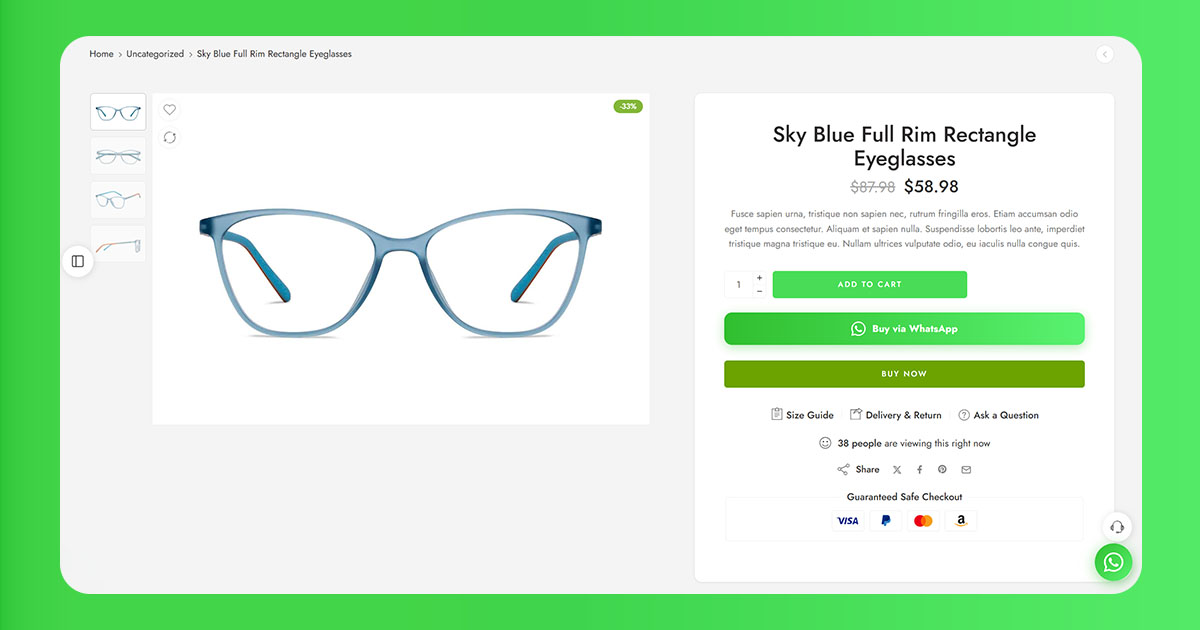
A WhatsApp button on the product page and checkout page removes that escape hatch. The question doesn't go into a contact form void - it goes to someone who can respond in real time and move the conversation toward a purchase. You're not recovering an abandonment. You're preventing one.
What a WooCommerce + WhatsApp Setup Actually Needs to Do
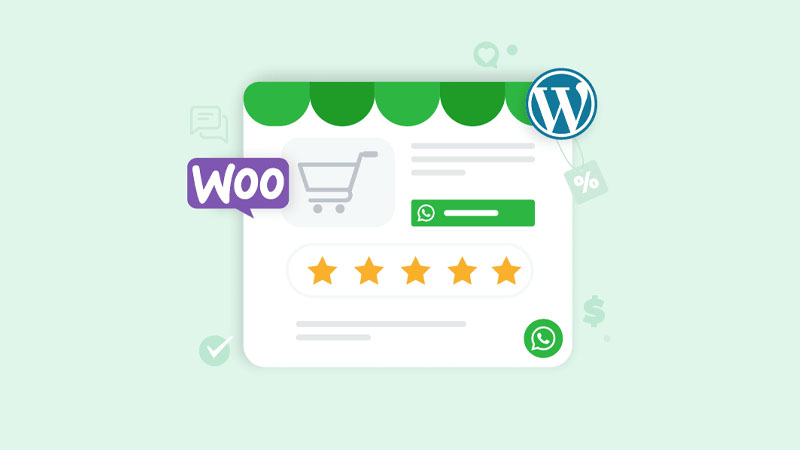
If you're evaluating plugins or integrations, a few things actually matter in practice:
- A WhatsApp button on product pages and checkout - the foundation. Customers need an easy way to open a conversation without leaving your store.
- Pre-filled messages with product context - the message should reference what they were looking at. Not "you left something behind" - "you left the Merino Pullover in Charcoal behind." That specificity is the difference between a message that feels personal and one that feels templated.
- Real WooCommerce order creation - the best integrations create an actual WooCommerce order in the background when the customer taps the button, so the conversation is already tied to a real order.
- Consent capture handled properly - WhatsApp Business requires explicit opt-in. The checkout flow needs a phone field and a clear checkbox.
- Routing for multi-line stores - some integrations route different inquiries to different WhatsApp numbers based on product category or geography. Useful if your store covers multiple lines with separate teams.
ChatCart Pro handles all of this out of the box: WhatsApp button on product pages, cart, mini-cart, and checkout; automatic WooCommerce order creation in the background; pre-filled messages with product name, variations, shipping method, address, payment method, and total; per-category number routing; and a built-in analytics dashboard. It's the most complete WooCommerce-to-WhatsApp flow available at a one-time cost.
Ready to recover abandoned carts with WhatsApp? ChatCart Pro adds a WhatsApp ordering button to your WooCommerce store and creates real orders automatically - no code required.
The Honest Version of What WhatsApp Can and Can't Do
WhatsApp recovery works best on top of a checkout that's already reasonable. If your abandonment is primarily driven by surprise shipping costs, a confusing five-step form, or a mobile experience that doesn't work - messaging people after they leave won't fix that. It might claw back a few percentage points. It won't solve a structural problem.
The store owners who see the best results are those who've already done the checkout work: shipping costs visible before checkout, guest checkout enabled, form fields trimmed to what's necessary. WhatsApp then handles what's left - the hesitation, the distraction, the unanswered question, the person who meant to come back and forgot.
Also read: How to Add a WhatsApp Button to Your WooCommerce Product Page (No Code Required) - step-by-step setup from number format to button placement.
Is It Worth Setting Up?
If a significant portion of your customers are in markets where WhatsApp is a primary communication channel - Brazil, Mexico, India, the Middle East, most of Southeast Asia - there's really no argument against it. The channel fits where your customers are, and the recovery rates are substantially better than email.
Even for stores with a mostly US or Western European customer base, the math tends to work out. Recovery rates of 20–30% versus 3–8% means you're getting back roughly four to ten times as many abandoned carts per message sent. Those recoveries pay for the integration quickly.
Seven out of ten checkout initiations are currently leaving without converting. Some were never going to buy. A lot of them were. The stores doing something meaningful about that gap right now aren't waiting on email sequences to get better - they're already where the customers are.