Running a single WhatsApp number for an entire WooCommerce store is fine at a certain scale. One person, one phone, all customer conversations in one place - that works until it doesn't.
It stops working when inquiries from three different product categories arrive in the same chat window and whoever picks up has to spend the first part of every conversation figuring out which product line the customer is asking about. It stops working when your store has distinct departments and the person whose job is post-purchase support keeps getting pre-purchase product questions. It stops working when you expand into a second market with customers from two countries arriving in the same inbox.
Multi-number routing is the structural solution to all of these. Different products, categories, or departments connect to different WhatsApp numbers. A customer who asks about your furniture range talks to the person who knows furniture. The routing is invisible to the customer - they tap the button on the product page they're already on.
The Problem with a Single Number at Scale

A real data point worth starting with: an online store handling 15,000 monthly orders ran their entire WhatsApp operation through a single agent. Average response time exceeded 30 minutes. They were losing 12% of conversations - customers who sent a message and left before getting a reply. After moving to a multi-agent system with routing, response time dropped to 3 minutes and conversation abandonment fell to 2%.
The math is simple. WhatsApp is a channel where customers expect responses measured in minutes. Gallabox's research puts the conversion impact starkly: businesses responding within 15 minutes see up to 80% higher conversion rates than those responding later. A 30-minute average response time isn't just a customer experience problem - it's a revenue problem that scales linearly with message volume.
Single-number setups create two distinct failure modes. The volume problem - too many conversations for one person to handle in the response window that matters. And the expertise problem - conversations landing with someone who can't actually answer the question, which means either a delay or a response that sends the customer elsewhere.
How Routing Actually Works in WooCommerce
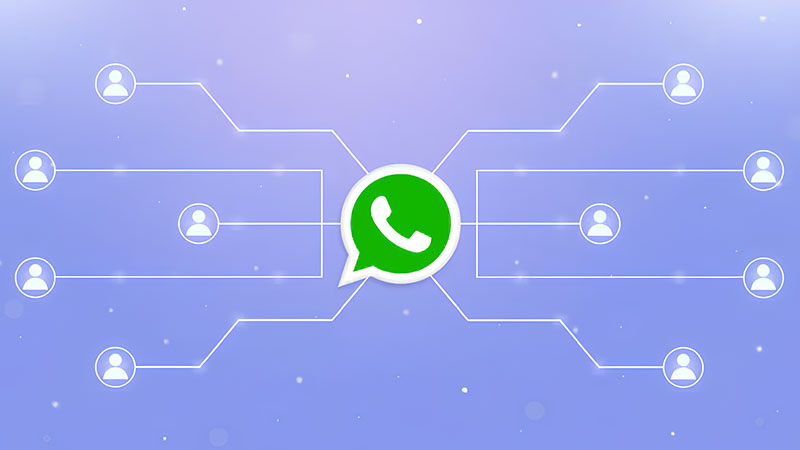
At the WooCommerce plugin level, multi-number routing works by assigning different WhatsApp numbers to different parts of the store - individual products, product categories, or store sections like cart and checkout - so that the button a customer sees on any given page generates a link to the number assigned to that specific context.
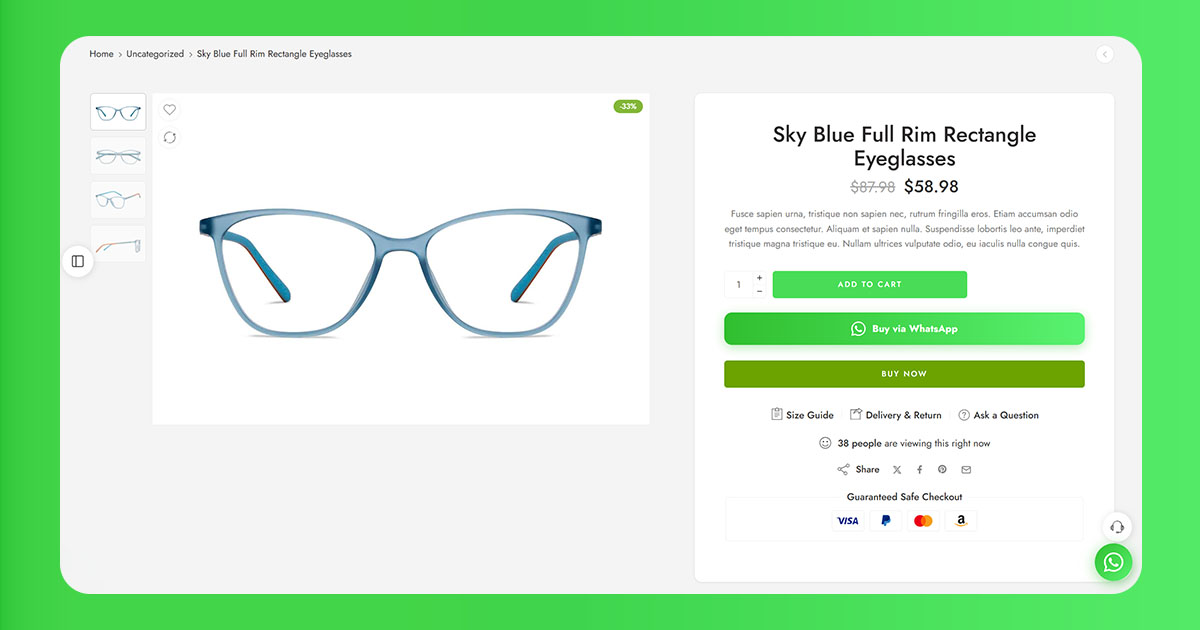
The customer experience is seamless. A customer browsing your outdoor furniture category taps the WhatsApp button and their message goes to the outdoor furniture team's number. A customer on your lighting page taps the same-looking button and their message goes to lighting. Neither customer knows there's a routing layer - they just see a WhatsApp button on the page they're on.
There's also a subtler benefit that shows up over time: per-number analytics. When each product line has its own WhatsApp number, you can see exactly how many inquiries each category generates and which lines are getting disproportionate contact relative to sales volume - often a signal of a product page that needs better information.
Three Routing Models and When Each One Fits
Category-Based Routing
The most common model. Each product category in WooCommerce gets assigned to a specific WhatsApp number. All products in that category inherit the number, so the configuration happens once at the category level rather than product by product. This works well when the lines between product categories map cleanly onto the lines between teams or knowledge domains. Also the easiest to maintain - new products added to an existing category automatically inherit the routing.
Product-Level Routing
More granular: individual products get assigned to specific numbers. Useful when two products in the same category need different handlers - a high-value custom product that should go to a senior sales rep versus standard products that can go to a general support line. The operational overhead is higher, especially for stores with large catalogs. Most appropriate for stores with a small number of SKUs, or for specific high-value products that need differentiated handling.
Department-Based Routing
Routes by why the customer is asking rather than what they're asking about. Pre-purchase questions go to a sales number. Post-purchase and support questions go to a support number. The routing trigger is page-based - the button on product pages goes to sales, the button on the order confirmation page goes to support. Best for stores where the volume of post-purchase contact is high enough that mixing it with pre-purchase inquiries creates a meaningful operational problem.
Which Plugins Actually Support This
ChatCart Pro - ($69 one-time)
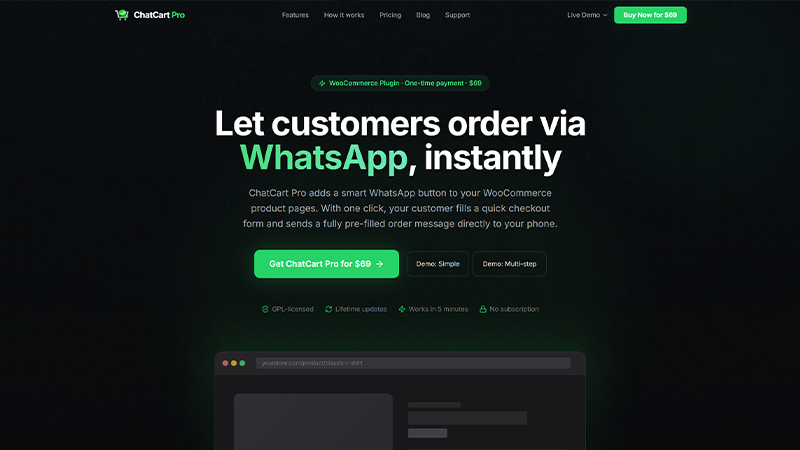
ChatCart Pro is built specifically around the WooCommerce-to-WhatsApp flow and handles multi-number routing at a depth the other options on this list don't reach. The Number Routing tab in the admin panel lets you assign a distinct WhatsApp number to each product category - straightforward configuration, no workarounds, no custom code. Cart and checkout always use the default number, keeping the flow clean for customers who've browsed across categories before deciding.
What separates it from simpler routing plugins is what happens after the customer taps the button. When a customer clicks the WhatsApp button on the checkout page, ChatCart Pro creates a real WooCommerce order in the background and opens WhatsApp with a fully formatted order summary: product names, variation attributes, shipping method and cost, delivery address, payment method, subtotal, and total. The person receiving the message on the routed number doesn't have to ask what the customer wants - it's already there. The plugin also includes a custom checkout form manager, CEP auto-fill via the ViaCEP API, configurable payment methods, a floating button, and a built-in analytics dashboard with per-category visibility.
OneClick Chat to Order (free)
A capable free option for stores that need routing without the full checkout replacement flow. Supports WhatsApp numbers assignable to individual products, product categories, and tags. Category-level assignment is available in the free version. One limitation worth knowing: a late-2025 update introduced a bug affecting the WhatsApp button on cart and checkout pages - verify the issue is resolved before going live with it if cart routing is part of your setup.
WP Chat App ($25 one-time)
Clean per-product number assignment with an agent management interface. You add agents - each with a name, number, and optional availability schedule - then assign them at the product level. Category-level inheritance isn't built in the same way as ChatCart Pro. Worth the overhead for stores where precise per-SKU control matters more than bulk category assignment.
Click to Chat Pro ($18+)
Click to Chat's Pro version unlocks the ability to restrict the floating button to specific categories and assign different numbers per category. The free version is single-number only. For stores already running Click to Chat who want to layer in routing without switching plugins, this is the natural upgrade path.
| Plugin | Category routing | Order creation | Analytics | Free? |
|---|---|---|---|---|
| ChatCart Pro | Yes | Yes (auto) | Yes (built-in) | No ($69) |
| OneClick Chat to Order | Yes | No | No | Yes |
| WP Chat App | Via product config | No | No | No ($25) |
| Click to Chat Pro | Yes | No | No | Pro from $18 |
ChatCart Pro is the only plugin in this list with built-in analytics, automatic WooCommerce order creation, and full category routing - all at a one-time price.
When Plugins Aren't Enough: The API Tier
Everything described above operates at the WhatsApp Business app level - each number is a separate WhatsApp Business account, managed from a separate phone or device. For stores where inquiry volume or operational complexity is beyond what that model supports, the WhatsApp Business API introduces a different architecture.
The API connects a single shared inbox - or a multi-agent platform like Gallabox, Respond.io, or Aurora Inbox - to WhatsApp numbers, with routing logic handled by the platform rather than by separate apps on separate phones. A conversation that comes in on the furniture number can be seen by a manager reviewing all lines. Escalations happen within the platform rather than requiring a separate WhatsApp transfer.
For most stores that are still validating the WhatsApp channel, starting with plugin-level routing and moving to the API when volume justifies it is the sensible path. The setup cost and operational overhead of the API is worth it at scale; it's not worth it for a store processing 50 WhatsApp inquiries per month.
The Pre-Filled Message Matters More in a Multi-Number Setup
In a single-number setup, the pre-filled message helps the customer articulate their question. In a multi-number setup, it serves a second function: it gives the person receiving the message immediate context about which product the customer came from.
A message that reads "Hi, I have a question about the Nordic Pendant Light E27 (SKU: LGT-0442) - can you help?" lets the recipient skip the identification step entirely and get straight to answering. At any meaningful inquiry volume, that time saving adds up. The variables to include, in rough priority order: {title} (always), {sku} (if the receiving team manages inventory), {url} (so the receiver can check the listing), {price} (useful for categories where pricing questions are common).
Operational Decisions That Determine Whether Routing Actually Works
Getting the plugin configured is the straightforward part. The decisions that determine whether multi-number routing performs the way it's supposed to are mostly operational, not technical.
Who owns each number and what are their response commitments? Every number in a routing setup needs a named owner - a specific person or small team whose job it is to respond within a defined window. Per Gallabox's research, a first response time beyond 5 minutes reduces conversion likelihood by 65%. The technical routing is only as good as the human infrastructure behind it.
What happens when the person behind a number is unavailable? WhatsApp Business's away message setting handles the communication side - the customer gets an automated reply acknowledging the message. But the operational question is whether the inquiry waits or there's a backup. For high-value inquiries, letting a message sit unanswered for eight hours is a real cost. Defining backup coverage for each number before going live is worth the ten-minute conversation it takes.
Testing Before Going Live
After configuring routing, visit each product category as a customer would, tap the button, and verify the pre-filled message is correct and the conversation opens to the right number. Do this on mobile as well as desktop - the number format and wa.me link generation can behave differently across devices. A misrouted live store is worse than a single-number store.
Related: Why WooCommerce Customers Abandon Checkout - And How WhatsApp Brings Them Back - why routing and response speed are directly tied to cart recovery rates.
When Multi-Number Routing Is Overkill
Not every store with multiple product lines needs this. A store with three product categories, one person handling all WhatsApp inquiries, and an inquiry volume of 20–30 messages per day doesn't have a routing problem. The volume is low enough that one person can handle the sorting mentally.
The indicators that routing is worth setting up: response time is consistently above 5–10 minutes during busy periods, inquiries regularly arrive with the wrong person and require explanation or transfer, or different product lines have meaningfully different knowledge requirements. If none of those are true for your store right now, the simpler setup is the right one - and routing can be added later when the operation grows into needing it.